

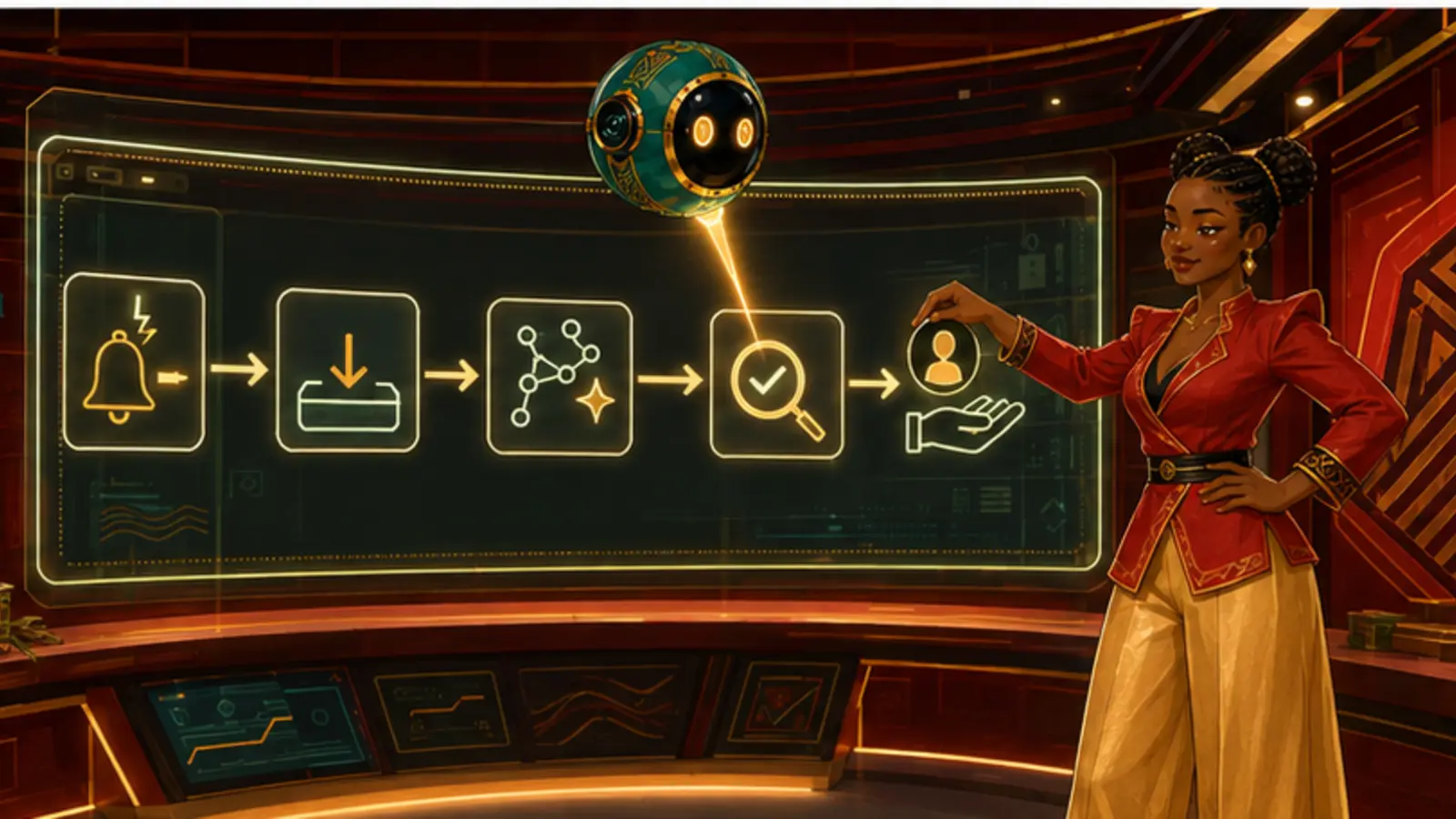
A workflow has four parts: what goes in, what AI does, what a human checks, what comes out.
Do now: Time one recurring task manually before you automate any of it.
If you cannot say what a good output looks like, you cannot build a workflow for it.A one-off chat helps once. A workflow helps every week, can be handed to someone else, and can be measured — which is the only way to know whether AI is actually saving you anything.
The four-part spine
Input: exactly what information is needed, in what form, and what must never be included. Writing this down is where most privacy mistakes get prevented, because it forces you to decide once rather than in a hurry every time.
AI step: the actual prompt, saved and versioned, not retyped from memory. Retyping is why the same task produces different quality on different days, and it is entirely avoidable.
Human check: what a person verifies before the output is used. Name the check specifically — 'confirm the three figures against the source' rather than 'review'. A vague check gets skipped under pressure; a specific one gets done.
Output: where it goes, in what format, and who owns it. Workflows that produce something nobody stores anywhere tend to quietly stop being used.
Four parts, one page. If it does not fit on a page, it is a process, not a workflow.
Measure the baseline first
Before changing anything, do the task manually and record how long it took, what the quality was like, and where the frustration sat. Without a baseline you cannot tell whether the workflow helped, and people are consistently poor at estimating this from memory.
Measure the right thing. Time saved is easy and often misleading — a workflow that halves the drafting time while doubling the checking time has saved nothing. Count the whole loop including verification and rework.
Then measure again after a fortnight of real use, not after the first enthusiastic day. Most workflows look excellent once and reveal their friction in week two.
Design for the bad day
Write what happens when the input is incomplete, the tool is unavailable, or the output is obviously wrong. A workflow without a fallback stops entirely the first time reality intervenes, and people revert to whatever they did before and never come back.
Give it one named owner, and a review date. Prompts go stale as tools change and as your work changes. A workflow nobody owns becomes a document nobody trusts within a few months.
Start with one workflow, not five. Get it genuinely working, measured and used by someone other than you, and only then build the second. Five half-built workflows are worse than one that runs.
A workflow with no fallback is a workflow that will be abandoned on its first bad day.