

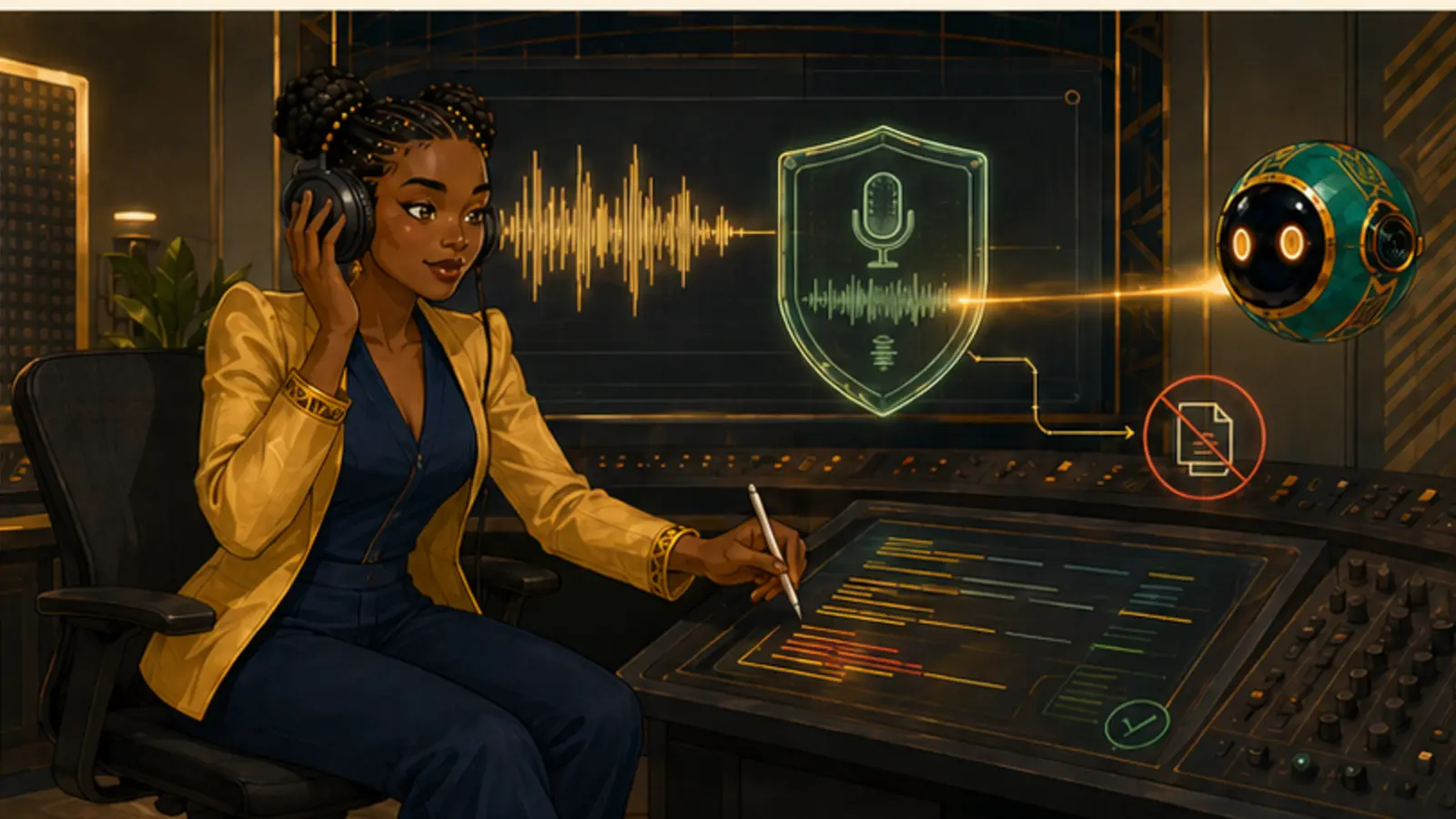
Speech tools do four separate jobs: transcribe, generate speech, translate, and clean up recordings. Only one of them raises impersonation questions.
Do now: Transcribe a five-minute recording, then correct it against the audio and count the errors.
A transcript is a draft of what was said, not a record of it, until a human has checked it.Audio is where a great deal of real information lives — meetings, field visits, interviews, radio, voice notes. Making it searchable is one of the highest-value things these tools do. It is also where impersonation is easiest and most damaging.
Transcription is the workhorse
Speech-to-text turns recordings into searchable text, and it is genuinely transformative for anyone whose work involves conversations. Meetings become decisions with owners. Field visits become records. Long interviews become material you can actually find your way around.
Accuracy varies sharply by accent, language, audio quality, background noise and how many people talk at once. It is usually strong on clear single-speaker English and much weaker on code-switching, overlapping speech, and languages with less training data — which describes a great deal of real conversation.
The errors that matter are not the funny ones. They are names, numbers, negations and technical terms. 'Did not agree' becoming 'did agree' changes a meeting record entirely, and it will not look like an error when you read it back.
Always check names, numbers and negations against the audio. Those are the errors that change meaning silently.
Synthetic voice, and the consent it requires
Text-to-speech generates spoken audio from writing. Generic synthetic voices are straightforward and genuinely useful — for narration, for accessibility, for learners who take in audio more easily than text. Voice cloning, which reproduces a specific person's voice, is a different matter entirely.
Cloning a voice requires that person's explicit, specific, informed permission: what it will be used for, for how long, and in what contexts. Someone consenting to be recorded has not consented to be synthesised. This is not merely good manners — voice cloning is now a common component of fraud against families and businesses.
Where synthetic voice could reasonably be mistaken for a real person, say so. A short line of disclosure costs nothing and protects both the listener and you.
Cleaning audio, and knowing when to stop
Noise removal, level balancing and filler-word cutting can rescue a recording made in a real room rather than a studio. Applied lightly, this makes work more accessible. Applied heavily, voices go thin and underwater, and the listener's ear finds it more tiring than the noise it replaced.
There is also an editorial line. Removing background hum is repair. Removing a pause before someone answered a difficult question, or tightening a quote so it says something crisper than what was said, is editing meaning. For anything quoted, keep the original recording and note what you changed.
Repair the recording, not the record. If your edit changes what someone appears to have said, it is no longer cleanup.